Can I start from Mailchimp, Substack or beehiiv without a migration project?
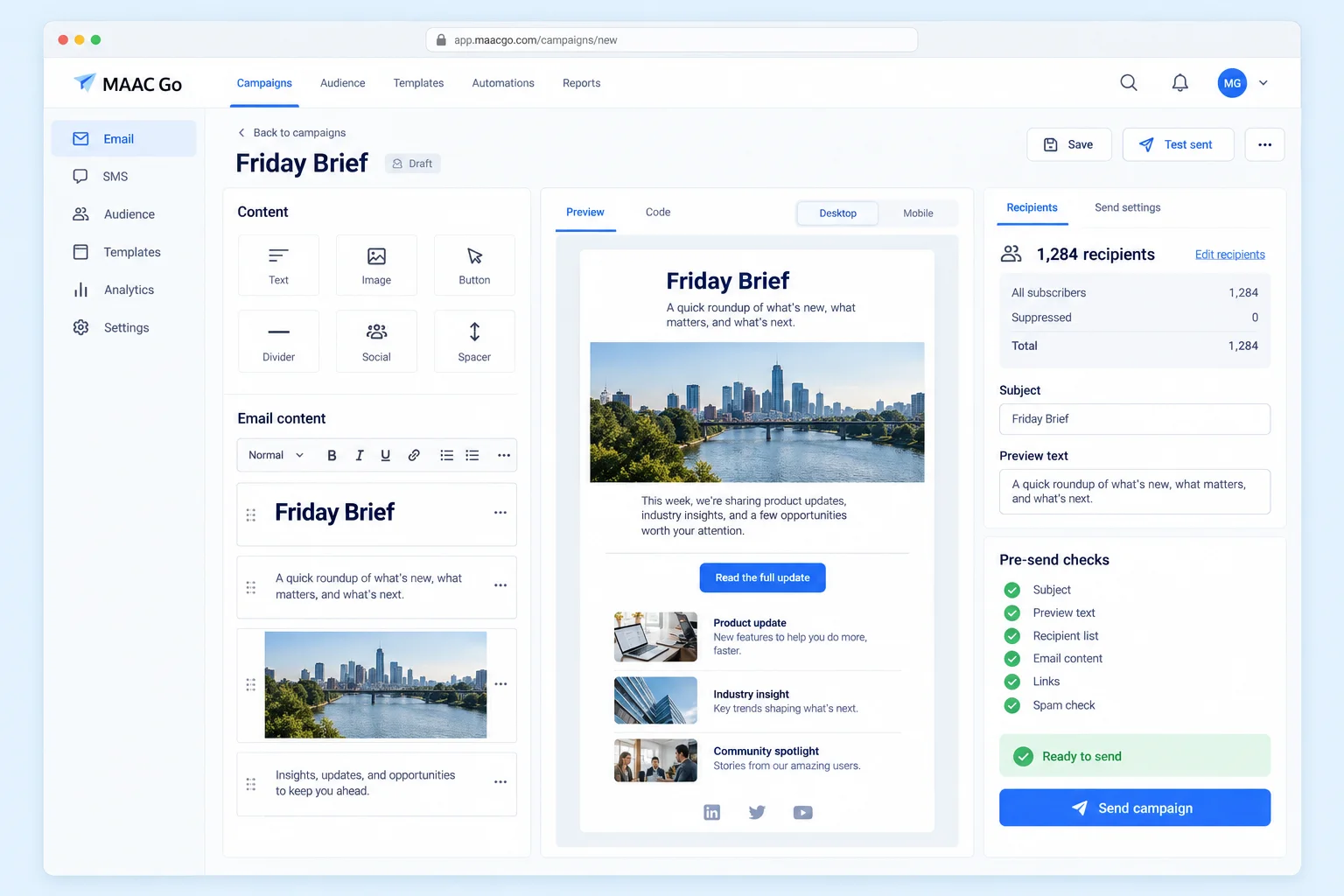
Yes. Export your opted-in audience as a CSV and upload it here, then paste one past email into the editor and send yourself a test. Export unsubscribed addresses too and add them to the suppression list so they are not mailed again. There is no one-click connector: the handoff is a CSV plus the content you choose to keep, not a long integration project.
Do I have to verify a domain before sending?
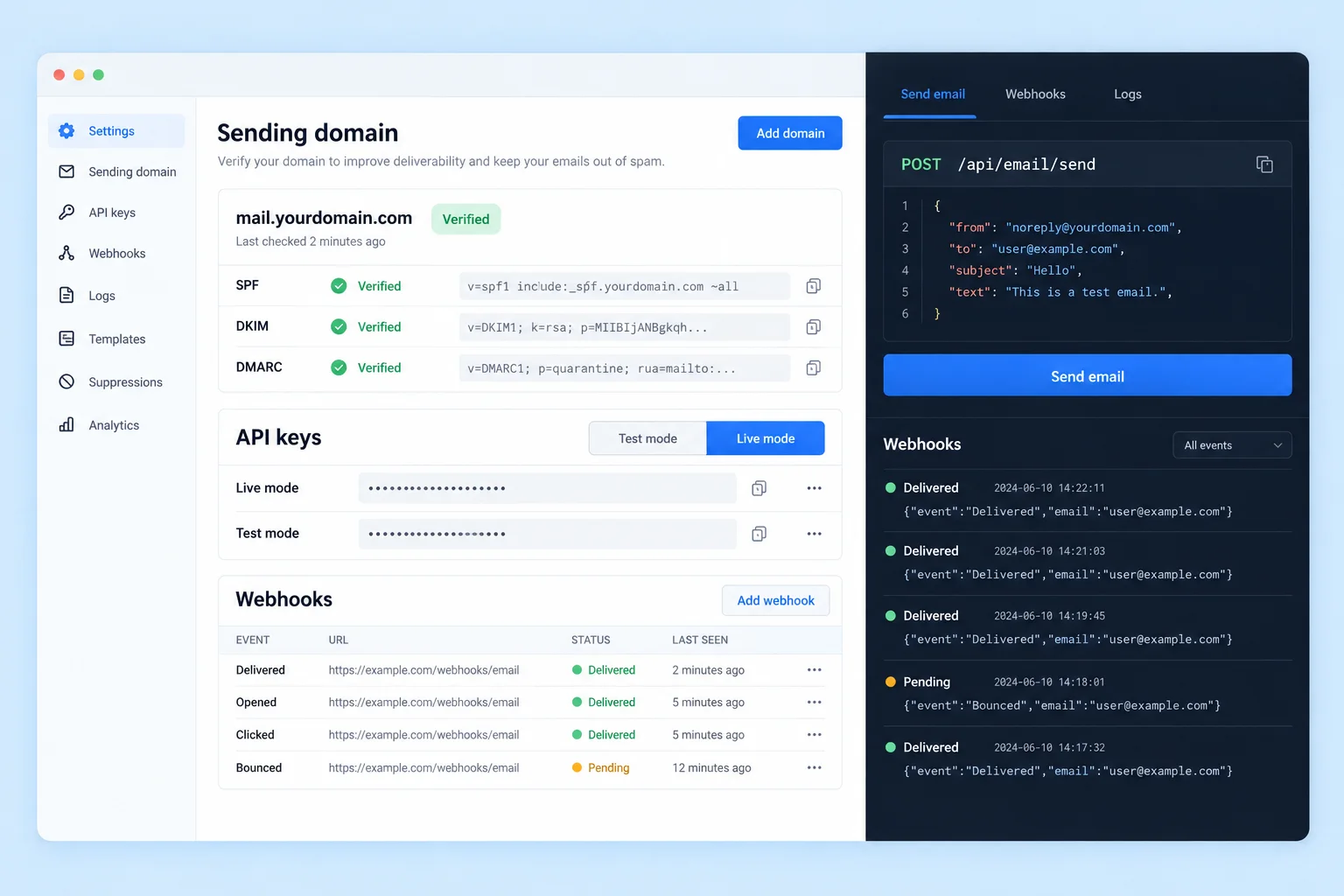
Strongly recommended (SPF, DKIM and a return-path MX — three DNS records, paste and verify), so you send from your own domain and build reputation you own. If you don't have a domain yet, you can start on the platform's shared domain: it reaches you, your team and readers who confirmed through your subscribe page, plus up to 50 imported contacts a day (200 in total) so you can try it for real — that allowance pauses if those sends bounce heavily or draw a spam complaint. Verify your domain or add credit to send to your whole list. A verified domain also lifts the daily cap from 300 to 5,000 and lets you pick the sending address (info@, news@…).
I don't have a list — can you buy or scrape one for me?
No — purchased lists get low opens and high complaints, and they will wreck your sender reputation (and violate privacy law). MAAC Go Email serves opt-in lists only: emails collected through your site, your checkout, your events. List quality is the foundation of email performance.
What if my volume grows, or I need more channels?
Move up to Crescendo Lab's MAAC Enterprise — a separate product: LINE + WhatsApp + SMS + Email cross-channel, journey automation, CDP, and a dedicated CSM. MAAC Enterprise has served 800+ brands. MAAC Go Email has no contract and no exit fees — talk to Crescendo Lab sales when you're ready.
Who do recipients see as the sender?
Your brand name is the display name. The address is no-reply@edm.cresclab.com on the shared domain; once you verify your own domain you choose the address too — info@yourbrand.com, hello@, news@ — and every campaign goes out from it.
If a subscriber hits Reply, where does it go?
To the reply-to address you set under Settings → Sender. Replies never disappear into a no-reply void: point them at your inbox or a shared mailbox and answer from there.
Will my emails land in spam?
The shared domain already carries SPF and DKIM; verifying your own domain puts the reputation in your hands. Every campaign carries a one-click unsubscribe, bounces and complaints are suppressed automatically, and we only serve opt-in lists — the three things inbox filters look at first.
How much can I send per day and per month?
Free accounts get 100 contacts and 200 emails a month; paid plans include their monthly volume. New accounts on the shared domain send up to 300 emails a day, and the cap rises to 5,000 as soon as you verify a domain or move to a paid plan.
What is different about free-plan emails?
A one-line “Sent via MAAC Go” note in the footer. It disappears the moment you are on a paid plan — nothing else about the email changes.
Where is my list stored, and what do you do with it?
We use your list only to send your newsletters and build your reports — never sold and never shared with other customers. Unsubscribes, hard bounces, and complaints stay on the suppression list so they are not mailed again. Details are in our Privacy Policy.
Can my team work in the same account?
Two seats are free; paid plans include more (five on Growth plans, fifteen from 10k contacts up). Invite people from Settings → Team with admin, editor or read-only roles.
Where do people subscribe to my newsletter?
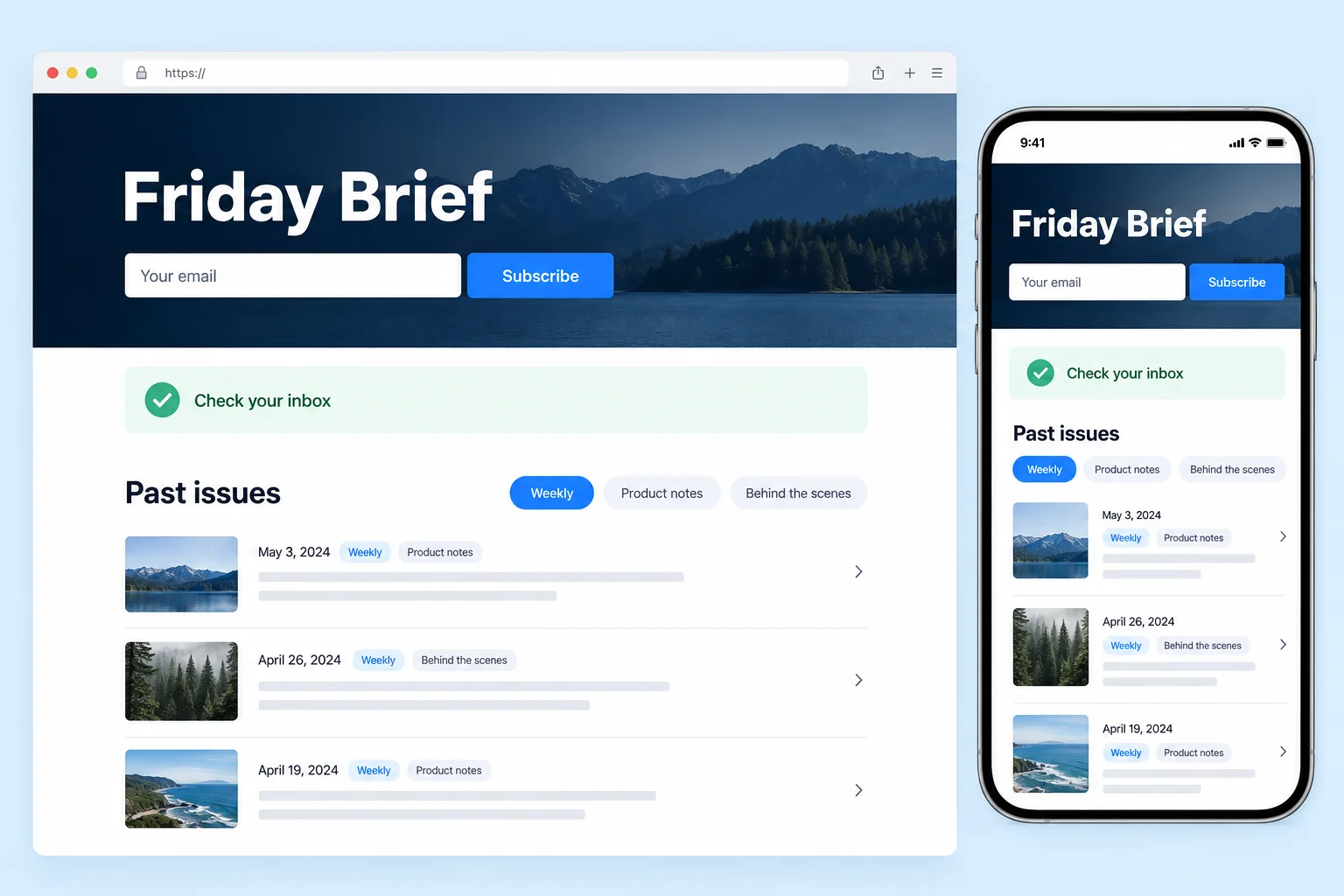
Turn on your public page in Settings → Sender and you get edm.cresclab.com/p/your-brand — an intro, a subscribe form, and an archive of the issues you have already sent. The same signup form can be pasted onto your own site; it needs no JavaScript. People who sign up either way get a confirmation email from your sender address and only join the list after clicking it — contacts you import from a CSV are added as they are. Note that switching the page on publishes every campaign you have already sent, and its footer carries a “Sent with MAAC Go Email” line.
Does this work for a creator newsletter, not just a shop?
Yes, for the sending side. You get the subscribe page with your brand name, logo and colour, the archive, double opt-in, and sending from your own verified domain. What it does not do: charge your readers, run a referral or recommendation network, or put the public page on your own domain — it stays edm.cresclab.com/p/your-brand, and its footer carries a “Sent with MAAC Go Email” line on every plan, paid ones included.
Can an AI agent send email through MAAC Go Email?
Yes. The MCP server at https://edm.cresclab.com/api/mcp lets Claude Code, Cursor, VS Code, Windsurf, Claude Desktop and Codex send transactional email, add contacts, send a campaign you already wrote and read the reports, using your API key. Every account gets a test key at signup that records sends without delivering them. An agent cannot create a campaign, issue a key or add credit. Setup for each client is at edm.cresclab.com/mcp.